
TERRIS DaVinci DPP-305 BK Electronic Keyboard
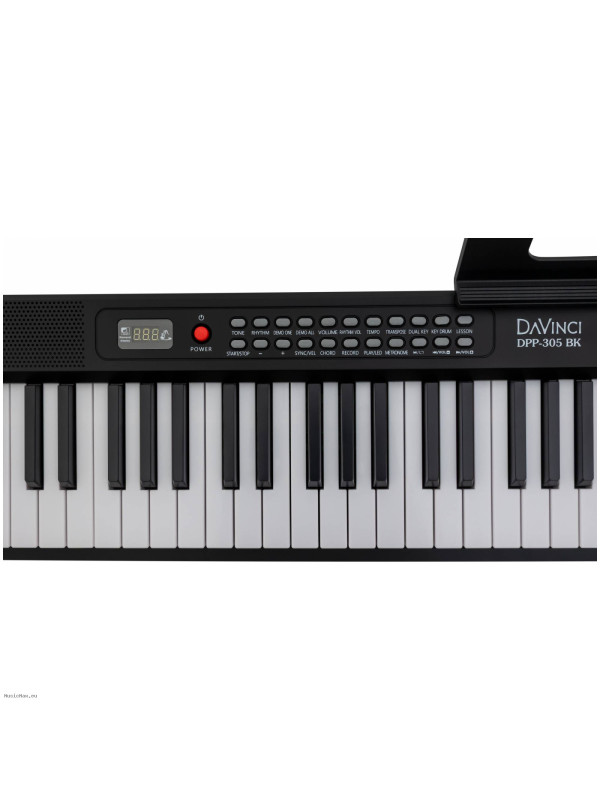
- Marca: TERRIS
- Código de Producto: DPP-305
-
Precio especial:
105,00€
Precio antiguo:110,53€
Guardar:5%
- Impuestos: 86,07€


Polifonía (máx.): 32 notes
Cantidad de sonidos predefinidos: 1000
Cantidad de canciones predefinidos: Number of demo tunes: 150, Number of rhythms: 1000
Cantidad de canciones para grabación: Recording
Especificación: Display: three-character
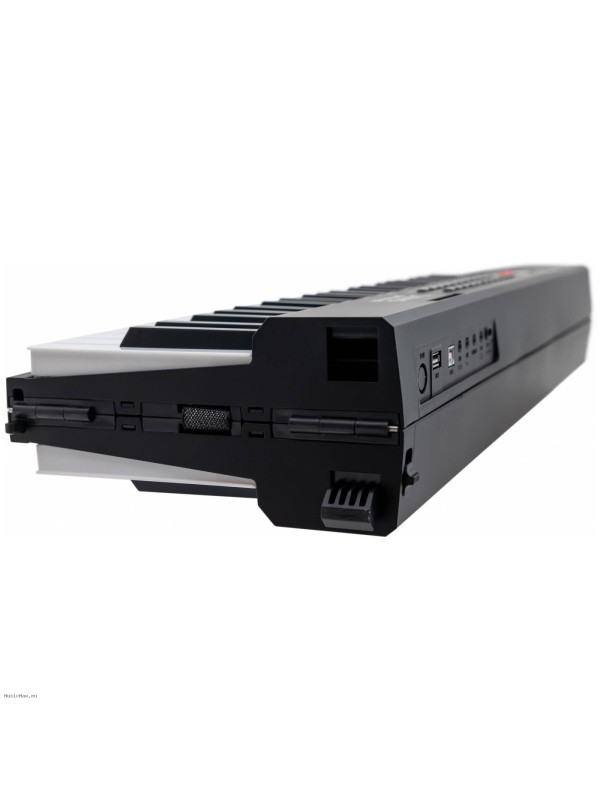
Specifications II: Power: USB Type-C adapter (included)
Specifications III: Supports USB flash drives with MP3 music
Características: Lesson mode
Features II: Key backlight
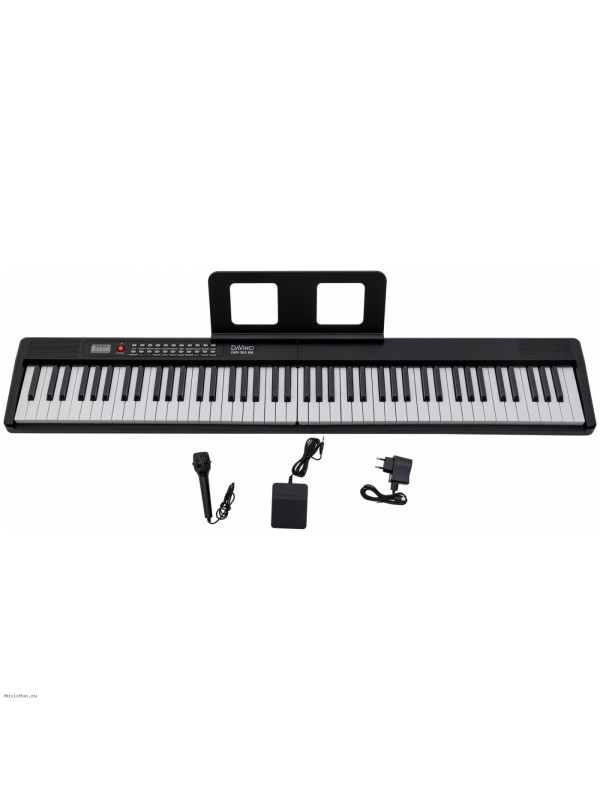
Accesorios: Music stand ,Power adapter ,Sustain pedal ,Note stickers
Peso: 4.8 kg
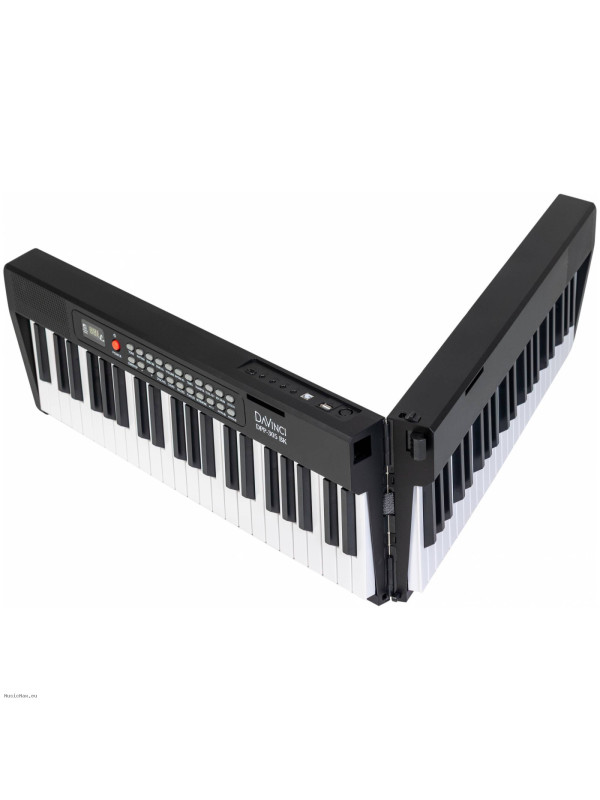
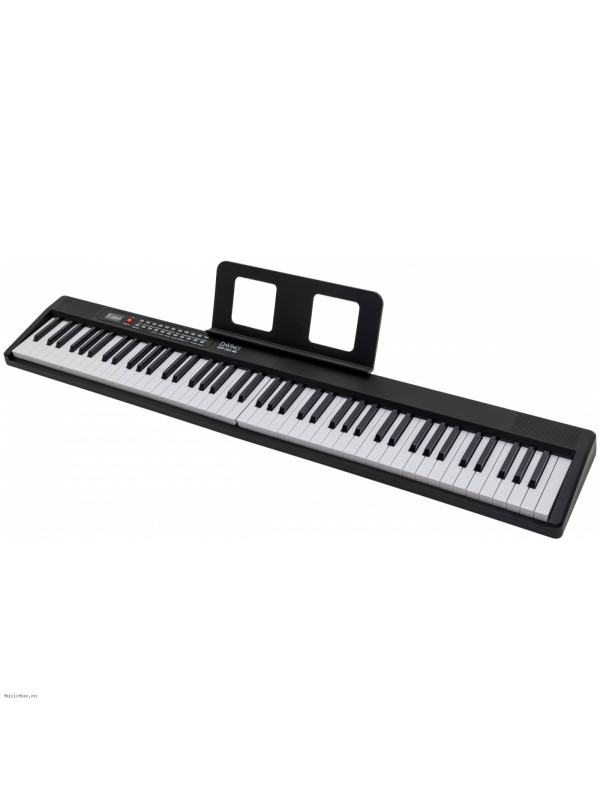
The DAVINCI DPP-305 BK is a synthesizer with a full-size keyboard.
The Davinci DPP-305 features 88 full-size, velocity-sensitive keys.
1,000 tones and 1,000 rhythms will keep you entertained while playing this instrument. The backlit keys will help you learn. The 32-voice polyphony will allow you to play even the most complex parts.
Key Features:
Transpose:
After pressing the Transpose button, you can shift the key using the +/- buttons. Transpose can be adjusted in 25 steps (-12 to ~12).
Dual Keyboard:
Press the Dual Keyboard button once to activate the Dual Keyboard function. When the Dual Keyboard function is activated, the left A1~B4 fingering will be played according to the A2~B5 fingering, and the right C5~C9 fingering will be played according to the C4~C8 fingering.
Using the "+/-" buttons, you can select the root note to change the pitch of the right keys.
Keyboard Percussion:
When the Keyboard Percussion function is activated (Keyboard Drum button), pressing a key will play the corresponding percussion sound.
Lesson:
This function is activated by the Lesson button. The instrument offers different learning modes.
Chord Play Mode:
This mode is activated by the Synthetic Chords button. One- and three-finger play modes are supported.
Recording:
Activated by the Record button. The maximum number of notes that can be recorded is 176. The metronome plays during recording. To play the recorded melody, use the Play button.
Item No.: DPP-305


109,06€ 120,78€
Precio más bajo últimos 30 días: 109,06€

